Best AI Face Restoration Tools & Apps (Free and Online)
A practical comparison of AI face restoration tools — browser tools, open-source models, and paid desktop software — so you can pick the right one.

Searching for “best AI face restoration” turns up a mix of browser tools, open-source models, mobile apps, and paid desktop software — all solving the same basic problem in different ways. This guide breaks down the real landscape so you can pick a tool based on what actually matters: privacy, cost, source photo type, and whether you need a one-off fix or a repeatable pipeline.
What to Look For in a Face Restoration Tool
Before comparing specific tools, four questions decide which one is right for you:
- Does it upload your photo to a server? If privacy matters — old family photos, identifiable people — a browser-native or local tool avoids sending images anywhere.
- Is it actually free, or free-with-limits? Many “free” tools cap resolution, watermark output, or require an account after the first few images.
- What photo condition is it built for? Old scanned prints, mild smartphone noise, and AI-generated faces all favor different underlying models.
- Do you need a one-off fix or a pipeline? Casual users want a drag-and-drop tool. Developers and Stable Diffusion users want a model they can integrate directly.
Best AI Face Restoration Tools & Apps
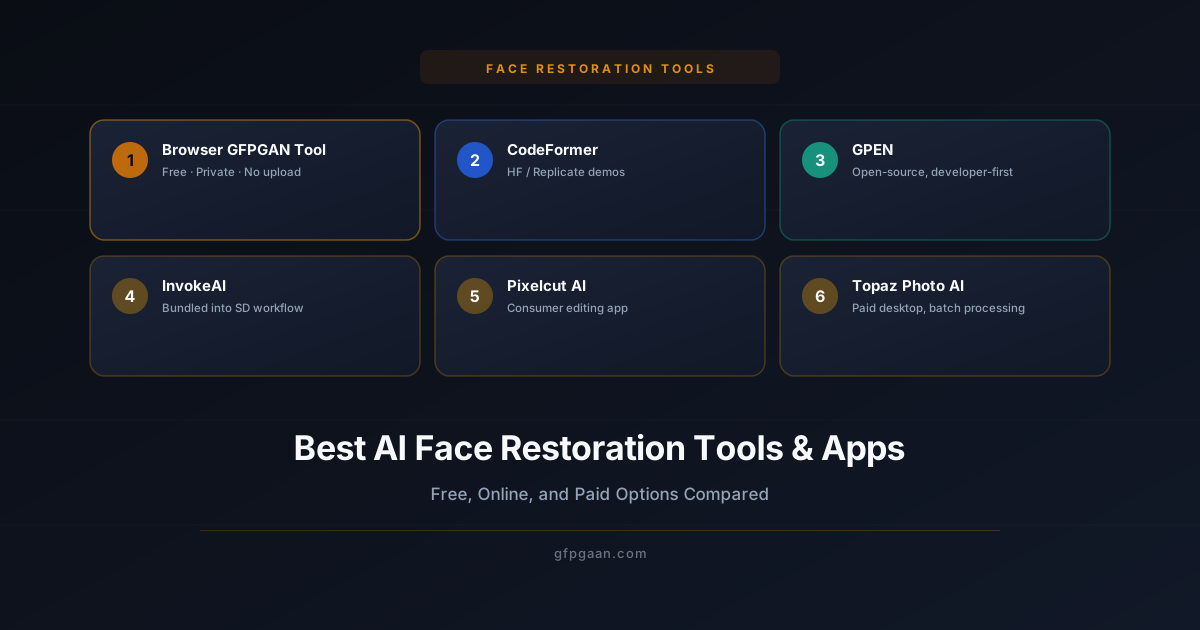
1. This Site’s Browser-Native GFPGAN Tool — Best for Privacy and Free Use
Runs entirely in your browser using the Canvas API. No account, no upload, no server round-trip — your photo never leaves your device. It is a classical enhancement filter (tone mapping, artifact smoothing, unsharp mask), not a neural network: it sharpens and cleans an image well, but it cannot reconstruct detail that is not there. For that you need the real GFPGAN model, run locally or hosted.
Best for: old photos, damaged prints, anyone who does not want to upload images to a third party.
2. CodeFormer (via Hugging Face / Replicate)
CodeFormer is open-source and available through hosted demos on Hugging Face Spaces and Replicate. Its fidelity-weight slider gives fine control over how closely the output matches the original face — useful for modern portraits with only mild damage. Most free hosted demos route your photo through a server, which is worth knowing if privacy matters.
Best for: modern portraits, identity-critical restoration, developers who want an API. See our full CodeFormer vs GFPGAN comparison.
3. GPEN (GAN Prior Embedded Network)
GPEN is another open-source restoration model, competitive with GFPGAN and CodeFormer on standard benchmarks. It’s less commonly packaged into consumer-friendly apps and is mostly used by developers running it directly from the GitHub repository or through research pipelines.
Best for: developers benchmarking multiple models. See our best AI face restoration models comparison for a three-way breakdown.
4. InvokeAI Face Restoration
InvokeAI, a Stable Diffusion front-end, bundles face restoration as a built-in post-processing step (GFPGAN and CodeFormer both available). If you’re already generating images with InvokeAI, this is the most convenient option since there’s no separate tool to install.
Best for: Stable Diffusion users who want restoration baked into their generation pipeline.
5. Pixelcut AI
Pixelcut is a consumer mobile/web app aimed at product and portrait photo editing, with a face restoration/enhancement feature as part of a broader editing suite. It’s a paid app with a free tier, and photos are processed on Pixelcut’s servers.
Best for: users who want restoration bundled with general photo editing (backgrounds, cropping, etc.) rather than a standalone tool.
6. Topaz Photo AI
Topaz Photo AI is a paid desktop application (one-time purchase or subscription) that includes face recovery alongside noise reduction and sharpening. Processing happens locally on your machine rather than in a browser, and it handles large batches well.
Best for: photographers and archivists processing large batches of old photos offline, who don’t mind paying for a desktop license.
Comparison Table
| Tool | Free? | Upload Required? | Format | Best For |
|---|---|---|---|---|
| This site (GFPGAN, browser) | Yes, fully | No — runs locally | Browser | Privacy, old/damaged photos |
| CodeFormer (hosted demos) | Yes (most) | Usually yes | Browser / API | Modern portraits, developers |
| GPEN | Yes (open-source) | Depends on host | Self-hosted / API | Developers, benchmarking |
| InvokeAI face restoration | Yes (open-source) | No — local install | Desktop app | Stable Diffusion users |
| Pixelcut AI | Free tier + paid | Yes | Web / mobile app | General photo editing |
| Topaz Photo AI | Paid | No — local install | Desktop app | Batch processing, photographers |
Which Should You Use?
For a quick sharpen-and-clean pass with nothing leaving your device, the free enhancer on this site is the fastest starting point — no install, no account, no cost. For genuine detail reconstruction on badly degraded faces, install GFPGAN locally or run it on Replicate. If your priority is exact identity fidelity on a modern portrait, try CodeFormer. If you’re already inside a Stable Diffusion workflow, use the built-in face restoration node or InvokeAI’s bundled option — see our Automatic1111 and ComfyUI setup guide for exact steps.
Try It Free — No Upload Required
Restore Your Photo Right Now in Your Browser
100% private — your image never leaves your device. No account. No server.
Restore a Photo Free →Related Guides
- Face Restoration Guide — what face restoration is and how the underlying AI works.
- Best AI Face Restoration Models: GFPGAN, CodeFormer, GPEN — model-level comparison.
- CodeFormer vs GFPGAN — detailed head-to-head.
- How to Restore Old, Blurry Photos with AI — step-by-step use-case guide.
Frequently Asked Questions
What is the best free AI face restoration tool?
For privacy, a tool that processes images locally — like the enhancer on this site, or GFPGAN installed on your own machine — is the safest free option, since nothing is uploaded. Hosted demos are more capable but do receive your photo.
Is AI face restoration free online safe to use?
It depends on whether the tool uploads your photo to a server. Browser-based tools that use the Canvas API (like the enhancer on this site) process images entirely on your device, so nothing is transmitted. Server-based tools should be evaluated against their stated privacy and retention policy before uploading identifiable photos.
Can I restore faces without uploading my photo anywhere?
Yes. Desktop apps and local installs that run models on your own machine (a local GFPGAN install, InvokeAI, Topaz Photo AI) never send your photo to a remote server, and neither do browser filters that work purely on the Canvas API.
What’s the difference between a face restoration app and a face restoration model?
A model (GFPGAN, CodeFormer, GPEN) is the underlying AI that performs the restoration. An app or tool is the product wrapped around that model — a website, mobile app, or desktop program. The same model can power multiple different apps.